+39.031.5476941


???? Avinox Ride App Updates to v1.4.6: Apple Watch, Auto Shift, and much more!
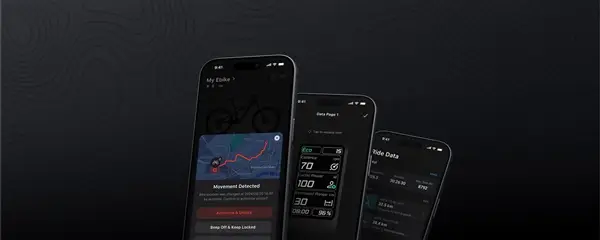
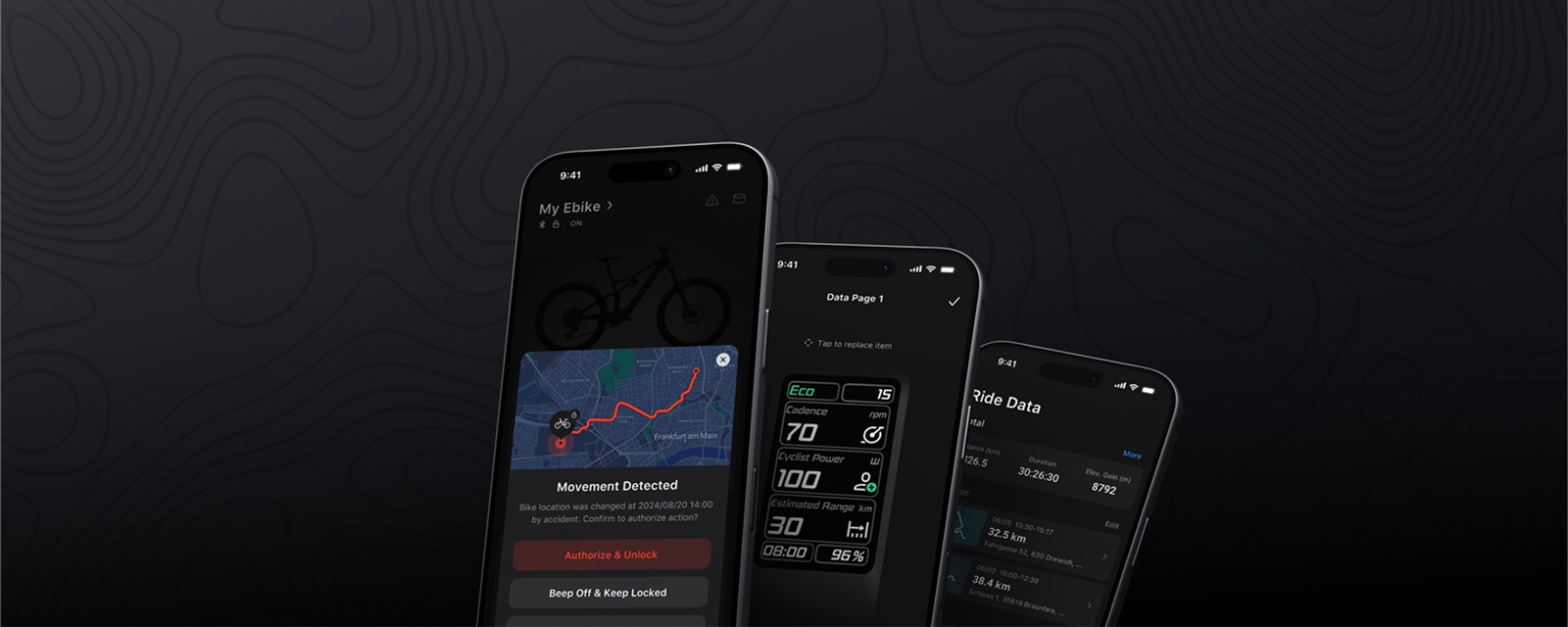
A major update is now available for the Avinox ecosystem. The new Avinox Ride App v1.4.6 (device firmware v04.05.06.50, released November 17, 2026) introduces highly anticipated features that improve connectivity, security, and management of your e-bike.
Here are all the new features introduced with this update:
- ⌚ Apple Watch Connection: Turn your watch into the true key to your bike. Now you can check the e-bike status from your wrist, use the convenient proximity unlock, and monitor your heart rate and riding data in real time.
- ⚙️ Auto Shift: Optimized assistance for smooth, worry-free gear changes.
- ???? Riding Data Averages: New custom statistics to analyze the different phases of your ride in detail.
- ???? Smarter Charge Display: An optimized view to always have a clear understanding of your battery status.
- ???? Display Standby Power: During diagnostics, the display can now turn on briefly using its own power, making it much easier to read HMS error codes.
- ???? Lost Device Reporting: Security first. Once components are paired in the app, you can report if the bike is lost: the system will immediately disable motor assistance.
- ???? Unlimited Multi-Device Management: Do you have multiple Avinox system e-bikes? Now a single account can manage them all. The new dropdown menu lets you switch between bikes instantly, showing the photo, name, and serial number (with the most recently used e-bike conveniently pinned at the top).
⌚ Apple Watch Requirements & Compatibility
To take advantage of the new wrist features, ensure your devices meet these requirements:
- Supported Watch Models: Apple Watch Series 7 / 8 / 9 / 10 / 11 / 12 and Ultra / Ultra 2 / Ultra 3 / Ultra 4 versions. (Note: Apple Watch SE is not supported).
- Software Requirements: Apple Watch with watchOS 11 or later, paired with a phone running iOS 18 or later (iPhone 13 or newer recommended).
????️ Installation Notes & Troubleshooting
- Watch data not syncing in real time? On your Apple Watch, go to Settings → Health → Data Access & Devices, allow the Avinox Ride App to read health data, and restart the app on your watch. Remember to keep ride recording active while pedaling.
- Power Saving: If your watch battery is too low, the Watch app might close and stop data updates. Make sure to start your ride with a sufficiently charged watch.
- How to update safely: During download and installation, do not turn off the bike. Keep your phone near the e-bike with Bluetooth always on. If the process is interrupted or fails, simply try again.
Update the app and firmware now to get your Avinox ready for the next ride! ????♂️